Setup Guide
In order to use your Golden Night robot, you need to have an account with a broker. See it as an investment account that you, and only you, have access to. You should never give out your broker details to anyone. To ensure maximum capability with Golden Night, we have chosen a broker with trust and which is officially regulated and we strongly recommend using this broker. If you use any other broker and has trouble, please contact us for support.
If you have any other questions, you can always read the FAQ or contact us.
Step 1
Go to the Vantage Website
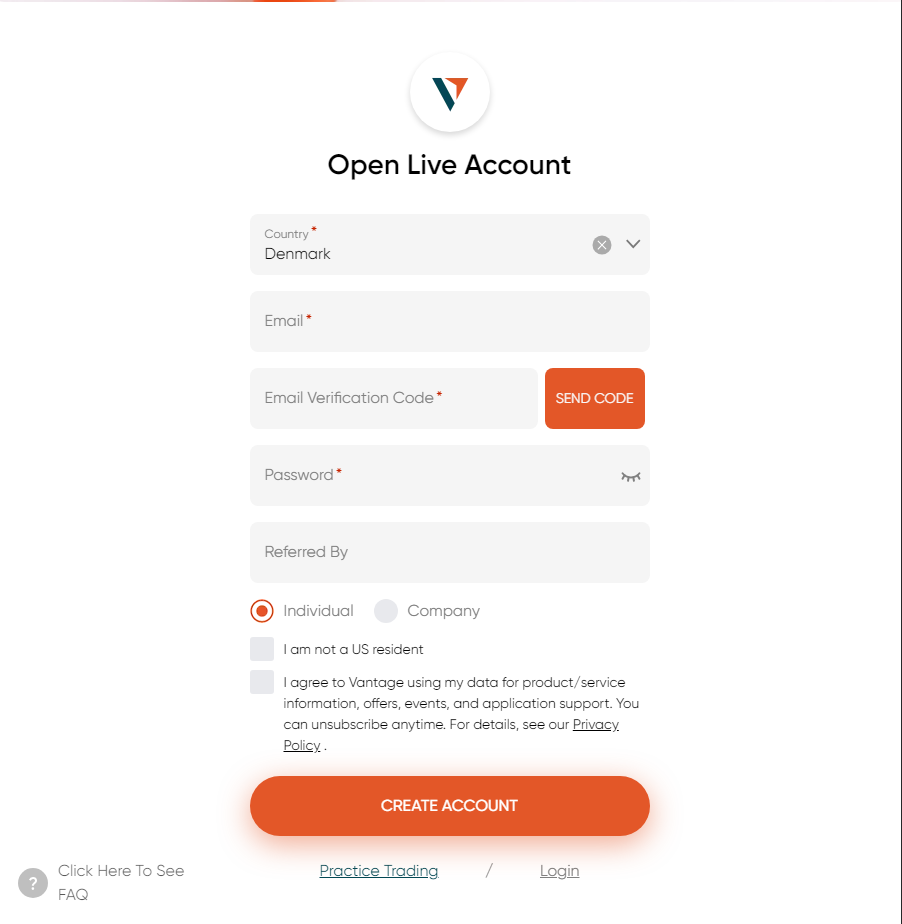
Visit the Vantage website
Fill out the required fields, validate your email and click Create Account.
Step 2
Open a Trading Account
Navigate to the accounts page on the left menu bar. Tap the “Open Account” next to the plus icon and choose the following settings and click Submit.

Step 3
Confirming Trading account
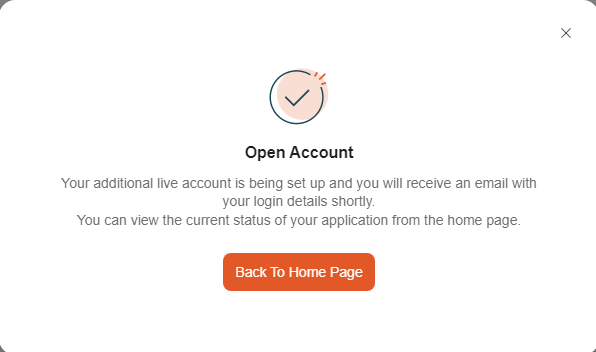
When you have created the account, you should be met with the following pop-up.
Wait a bit and you should see the Trading Account in the list and you should recieve a email with you new Trading Account credentials.
If by any chance your leverage column does not show 500 : 1, please contact us.
Step 4
Depositing Money to your Account
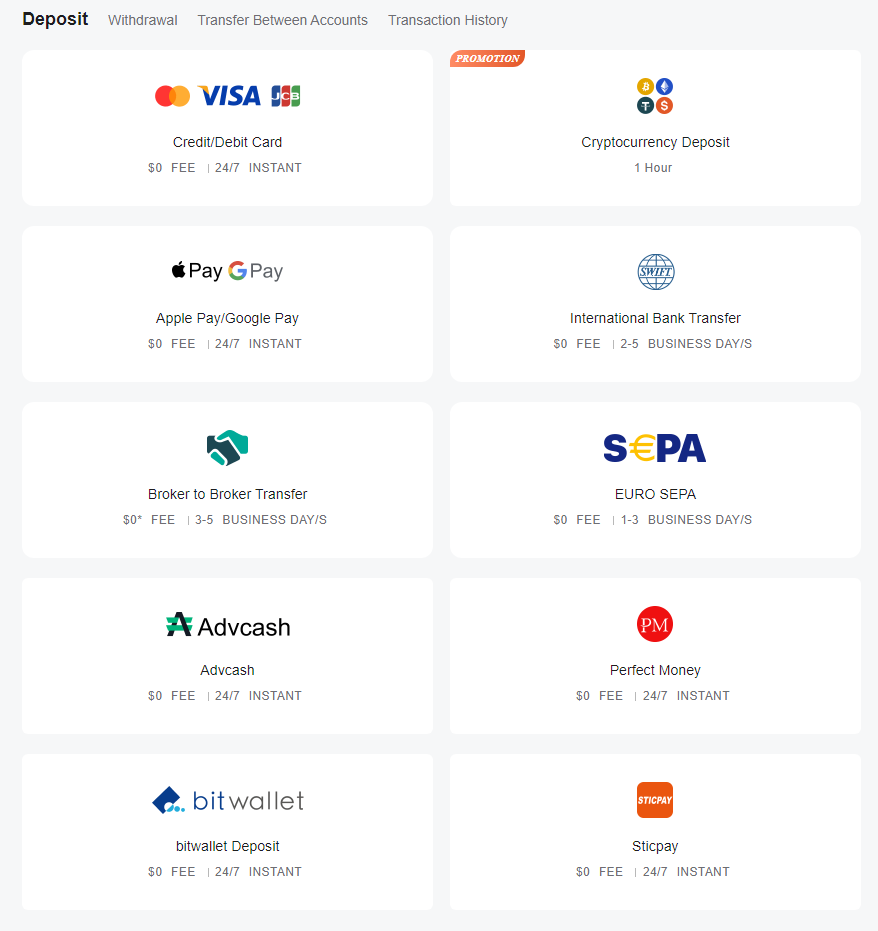
When you can see your trading account show under the “Accounts” tab, click the “Deposit” button and be met by options to deposit.
Please choose your preferred deposit method. Golden Night recommends a minimum of $3000 U.S. Dollars or €3000 Euro and optimally $5000 U.S. Dollars or €5000 Euro.
Any less will increase the risk of your investements.
Please be advised that if you use VISA only in some countries you might have a daily softcap that is lower than the recommend amount – this can be circumvented by using Bank Transfer or depositing over 2 days.
Step 5
Providing Meta Trader 4 Crendentials
When the deposit is visible, it is time to connect to the Golden Night. You do this by simply providing the following information you got in your email from Vantage when you opened the live account along with the email you used for your purchase in the form below.
Important: do NOT share your Vantage/broker details. We will never ask for them – your broker is your secure way of accessing your funds.

When the form has been filled and sent correctly, you should get a “Thank you for your message. It has been sent” as confirmation.
Step 6
You’re All Set Up!
Congratulations! You have now done all the work you need to do for your investments to start growing. While it might take 24 hours for the system to kick in, there is nothing else you need to do.
However, it’s always nice to track what your investment are doing, and there is a few ways to do so: The Vantage homepage, the Vantage App or what most prefer, the MetaTrader 4 App which you can find our guide for here.
Just remember: do not trade on this account. If you do, you will not allow the software to work as intended.
And if you want to help Golden Night, you can go to the last step!
Optional
The Golden Opportunities
Now that Golden Night is working for you – and we are stoked to have you onboard! – we would like to connect with you even more.
To help us grow, we would be honored if you’d follow us on our socal media platforms and even share your experience and your earnings with the rest of our community! You can find them here:
You can also join our affiliate partner program and earn yourself up to 50 percent of the sale’s price – and that, should we say so ourselves, a partnership that pays both ways.
So what are you waiting for? Join us as partner here